5 Essential Scripts Every Remote Observatory Owner Should Be Running
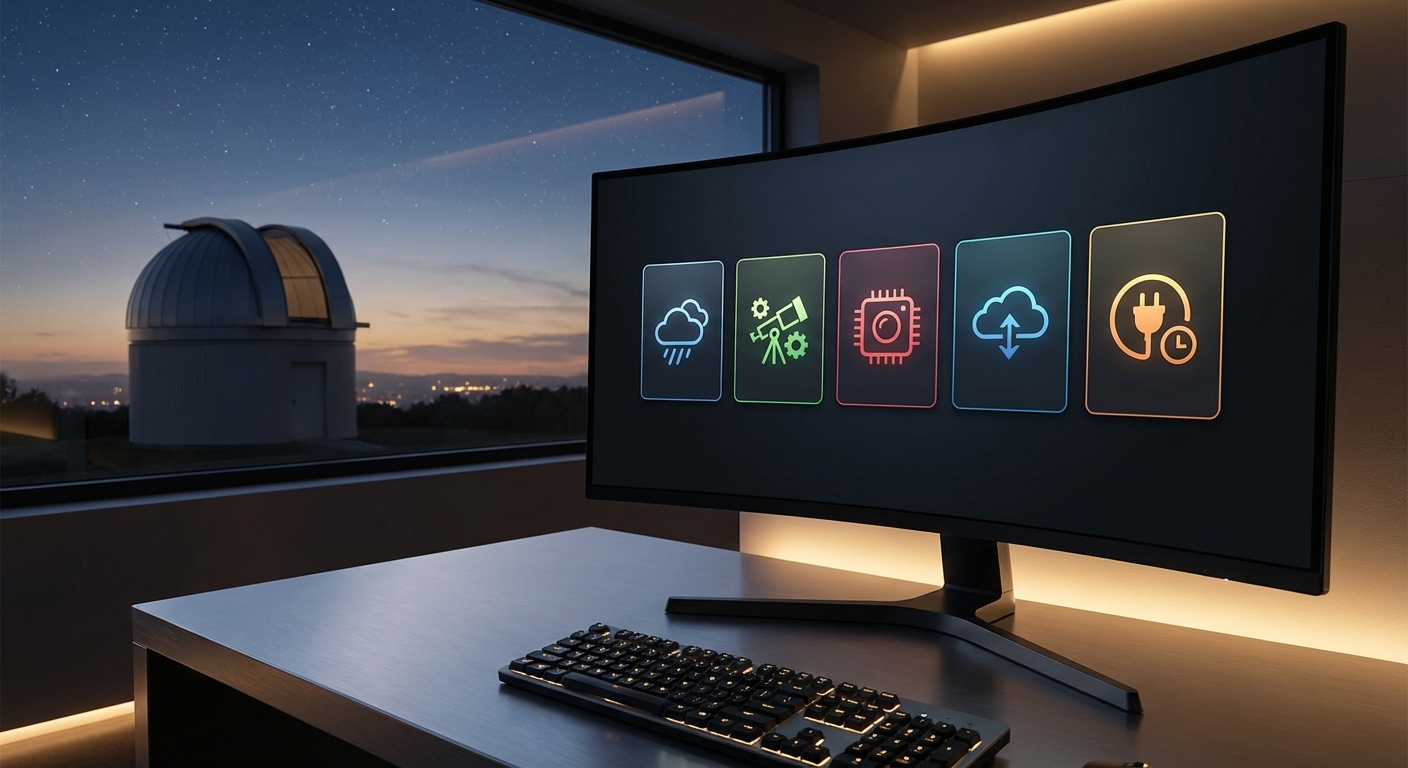
Running a remote observatory means trusting your equipment to operate without you standing there watching every exposure. The difference between a successful imaging session and a wasted night often comes down to the automation scripts running behind the scenes.
Remote observatory automation scripts handle weather monitoring, equipment startup sequences, imaging workflows, safety shutdowns, and data management without human intervention. These five essential scripts work together to protect your gear, maximize imaging time, and ensure you wake up to usable data instead of equipment failures or missed opportunities during clear skies.
Weather monitoring and safety shutdown scripts
Your most critical script watches the weather constantly. Rain, high winds, or clouds rolling in at 2 AM need immediate action.
A proper weather monitoring script pulls data from multiple sources. Your local weather station provides real time conditions. Online APIs offer forecast data. Some observatory owners combine PWS Weather Underground stations with cloud sensors and rain detectors.
The script checks conditions every 60 seconds during operations. Temperature, humidity, wind speed, cloud coverage, and precipitation all matter. You set thresholds based on your equipment limits and local conditions.
When conditions deteriorate, the shutdown sequence activates automatically:
- Park the telescope at its home position
- Close camera shutters and stop any running exposures
- Close the dome or roll off roof structure
- Power down sensitive electronics
- Send notification alerts to your phone
- Log the shutdown event with timestamp and reason
This happens whether you’re asleep, at work, or traveling. Your equipment stays protected.
Some scripts include a “weather hold” mode. Conditions are marginal but might improve. The system keeps everything closed but powered, ready to resume operations if skies clear within your defined window.
The best weather script I ever wrote saved my equipment during a surprise thunderstorm that rolled in 40 minutes faster than forecast models predicted. The dome closed with 3 minutes to spare before the first raindrops hit.
Automated startup and equipment initialization
Your observatory needs a reliable morning routine, except it happens at sunset. Manual startup takes 15 to 20 minutes of clicking through software and checking connections. An automated startup script handles this in under 5 minutes.
The script runs through a systematic checklist:
- Power on mount and verify communication
- Initialize camera cooling to target temperature
- Connect focuser and filter wheel
- Open dome and sync with mount position
- Perform plate solving for initial alignment
- Run autofocus routine on a bright star
- Begin target acquisition sequence
Timing matters here. Starting too early wastes power cooling the camera before astronomical twilight ends. Starting too late cuts into your imaging window.
Smart startup scripts calculate sunset, civil twilight, and astronomical twilight based on your coordinates and date. They factor in your camera’s cooling time and mount’s alignment procedure. Everything powers up at the optimal moment.
Error handling separates good scripts from great ones. If the mount fails to connect, the script retries three times with 10 second delays. If that fails, it sends an alert and safely parks everything rather than leaving the dome open with a non functional telescope.
Here’s a comparison of manual versus automated startup approaches:
| Aspect | Manual Startup | Automated Startup |
|---|---|---|
| Time required | 15 to 20 minutes | 3 to 5 minutes |
| Consistency | Varies by operator | Identical every time |
| Error detection | Relies on observation | Built in diagnostics |
| Remote capability | Requires VNC or remote desktop | Runs independently |
| Optimization | Based on habit | Calculated precisely |
Intelligent imaging sequence management
Your imaging script determines what gets photographed and how. This script is your virtual imaging assistant working through the night.
Target selection happens based on multiple factors. Object altitude and meridian crossing times matter most. You don’t want to start a 4 hour imaging session on a target that drops below 30 degrees altitude halfway through.
The script maintains a prioritized target list. Each target includes:
- Right ascension and declination coordinates
- Required filters and exposure times
- Total integration time needed
- Minimum altitude constraints
- Moon avoidance parameters
As the night progresses, the script evaluates which target offers the best conditions right now. A galaxy rising in the east might take priority over one setting in the west. The script automatically slews to the new target, centers it, refocuses if needed, and begins the exposure sequence.
Filter management adds another layer. Your narrowband imaging plan calls for 50 exposures in H-alpha, 40 in OIII, and 40 in SII. The script rotates through filters, managing the filter wheel and adjusting focus offsets for each one.
Dithering between exposures helps with calibration and artifact removal. The script offsets the mount by a few pixels in a random pattern between frames. Your stacking software will thank you later.
Some advanced scripts include meridian flip logic. When your target crosses the meridian, the mount flips to the other side of the pier. The script detects this need, performs the flip, re-centers the target, refocuses, and continues imaging without losing more than 2 to 3 minutes.
Automated focus and tracking adjustments
Temperature changes throughout the night cause focus drift. A target perfectly focused at 9 PM will be soft and bloated by 2 AM when temperatures drop 15 degrees.
Your autofocus script runs periodically to maintain sharp stars. Every 30 to 60 minutes, or whenever temperature changes by 3 degrees, the script pauses imaging and runs a focus routine.
The process takes 60 to 90 seconds:
- Slew to a nearby bright star
- Take a series of exposures at different focus positions
- Measure star size using half flux diameter or FWHM
- Calculate optimal focus position
- Return to science target
- Resume imaging
Some scripts use focus models instead. The system learns how your focuser position correlates with temperature. After building this model over several nights, it predicts focus changes and adjusts proactively rather than reactively.
Tracking accuracy matters just as much as focus. Periodic error in your mount creates elongated stars during long exposures. Guiding systems correct this, but the autoguider needs monitoring too.
Your tracking script watches guide star performance. If RMS error exceeds your threshold, the script can:
- Increase guide aggressiveness temporarily
- Switch to a different guide star
- Pause imaging and re-run alignment
- Alert you to potential mechanical issues
Bad frames happen despite your best efforts. Satellites, aircraft, tracking glitches, or focus problems create unusable images. An image quality script analyzes each frame after capture, checking star roundness, FWHM, and background levels. Frames that fail quality checks get flagged or automatically rejected before wasting disk space.
Data management and transfer automation
A productive night generates 20 to 50 GB of image data. Managing this manually becomes tedious fast.
Your data management script handles organization automatically. As images save, the script sorts them into folders by date, target name, and filter. File naming follows a consistent pattern that makes sense months later when you’re processing the data.
Calibration frames need organization too. Darks, flats, and bias frames go into separate folders with metadata about temperature, binning, and capture date. The script can trigger automatic flat field capture during dawn twilight, using the brightening sky as a light source.
Data transfer happens in the background. Uploading 40 GB over a residential internet connection takes time. The script starts transferring files to your home computer or cloud storage while imaging continues. Priority goes to completed target sets so you can start processing without waiting for the entire night’s data.
Local storage management prevents your observatory computer from filling up. The script maintains a rolling 7 day buffer of raw data on site. After successful transfer and verification, older files get deleted automatically. You still have everything safely stored elsewhere, but the observatory computer stays responsive.
Some observatory owners run preliminary processing on site. The script can:
- Stack completed filter sets automatically
- Generate preview images
- Run basic calibration
- Create time lapse videos of the night’s work
You wake up to processed previews in your inbox, letting you see results immediately rather than waiting to download and process raw files.
Backup verification matters more than you’d think. The script calculates checksums for transferred files and verifies them against the originals. Corrupted transfers get flagged and re-sent automatically. You never lose data to a flaky internet connection.
Building reliability into your automation
Scripts fail. Networks drop. Equipment misbehaves. Robust remote observatory automation scripts anticipate these problems.
Logging everything provides your troubleshooting roadmap. Each script writes detailed logs with timestamps. When you review a failed night, the logs show exactly what happened and when. Did the mount lose connection? Was there a weather sensor malfunction? Did the camera stop responding? The logs tell the story.
Watchdog scripts monitor your main automation scripts. If the imaging script stops responding, the watchdog detects this and can restart it or trigger a safe shutdown. This prevents scenarios where your dome sits open all night because the main script crashed.
Testing your scripts during the day prevents nighttime surprises. Run through sequences with the dome closed and telescope parked. Verify that error handling works as expected. Simulate equipment failures by disconnecting devices and confirming the script responds appropriately.
Version control saves you from yourself. When you modify a working script, keep the previous version. Cloud based repositories or simple dated backups let you roll back changes if your “improvement” breaks something at 11 PM on a clear Saturday night.
Remote access capabilities let you intervene when needed. Your scripts should handle 95% of situations automatically. The other 5% benefit from human judgment. VPN access to your observatory network and remote desktop software give you options when automation alone isn’t enough.
Making automation work for your setup
Every observatory is different. Your mount, camera, dome, and software create a unique environment. Generic scripts provide starting points, but customization makes them truly useful.
Start with one script and get it working perfectly before adding others. Weather monitoring and safety shutdown deserves priority. Once that’s bulletproof, add startup automation. Then imaging sequences. Build your automation infrastructure piece by piece.
Documentation helps future you remember why you made certain choices. Comment your code. Note threshold values and why you chose them. Explain workarounds for equipment quirks. Six months from now, you’ll appreciate these notes.
Community resources provide tested solutions. Amateur astronomy forums, GitHub repositories, and observatory automation groups share working scripts. You don’t need to reinvent every wheel. Adapt existing solutions to your needs.
Professional observatory software packages include built in scripting capabilities. ACP Observatory Control, NINA, Voyager, and others offer frameworks for automation. These tools handle many low level details, letting you focus on imaging strategy rather than equipment communication protocols.
Testing under various conditions reveals weaknesses. Clear nights are precious, but occasionally sacrifice one to stress test your automation. Try edge cases. See what happens when you deliberately create problems. Better to find issues during testing than during that once a year perfect transparency night.
Turning your observatory into a reliable imaging machine
Remote observatory automation scripts transform your setup from a collection of equipment into an integrated system that works while you sleep. The five essential scripts covered here protect your investment, maximize your imaging time, and deliver consistent results night after night.
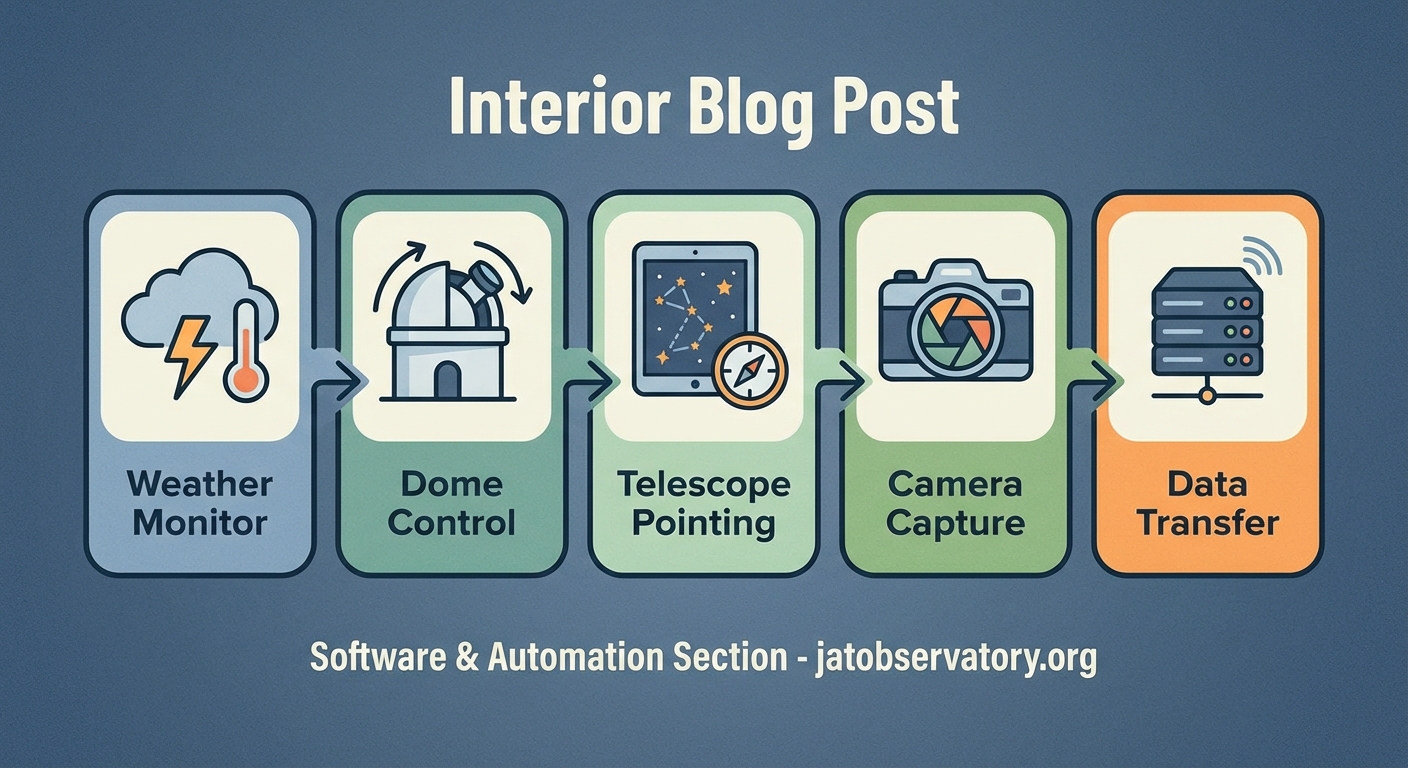
Start with weather monitoring to keep everything safe. Add startup automation to eliminate manual routines. Implement intelligent imaging sequences to optimize target selection. Include focus and tracking adjustments to maintain quality. Top it off with data management to organize and preserve your work.
Your observatory becomes more productive when software handles repetitive tasks and monitoring. You spend less time babysitting equipment and more time planning observations, processing images, and actually enjoying astronomy. That’s the real point of automation.

Post Comment