7 Essential Automation Scripts Every Remote Observatory Operator Needs
Running a telescope from miles away sounds like science fiction until you realize it’s just good software and careful planning. The right remote observatory automation software turns your backyard setup into a hands-off imaging powerhouse that works while you sleep.
Remote observatory automation software connects weather monitoring, mount control, imaging sequences, and safety protocols into one coordinated system. The best setups combine open-source platforms like INDI or ASCOM with custom scripts that handle edge cases, protect equipment during weather changes, and maximize imaging time without constant manual intervention or expensive commercial subscriptions.
What Remote Observatory Automation Software Actually Does
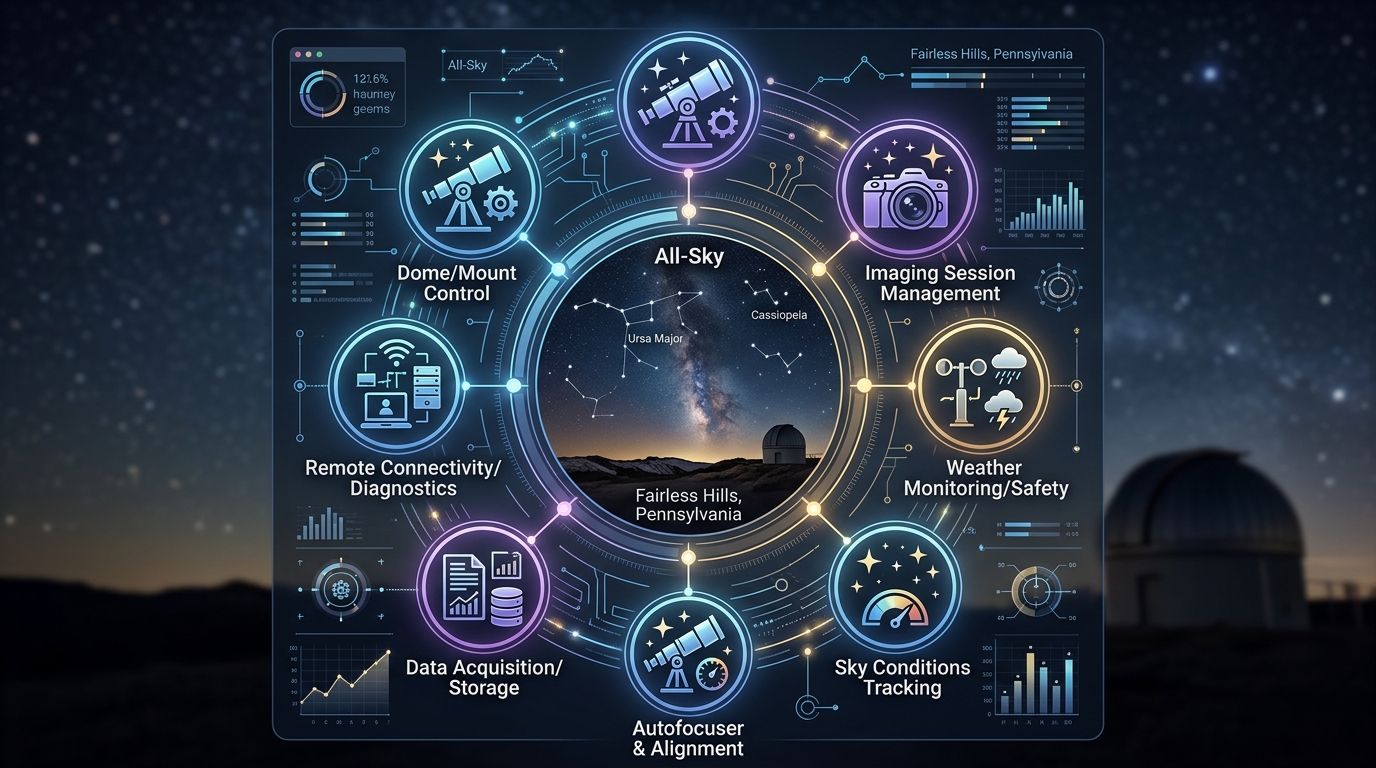
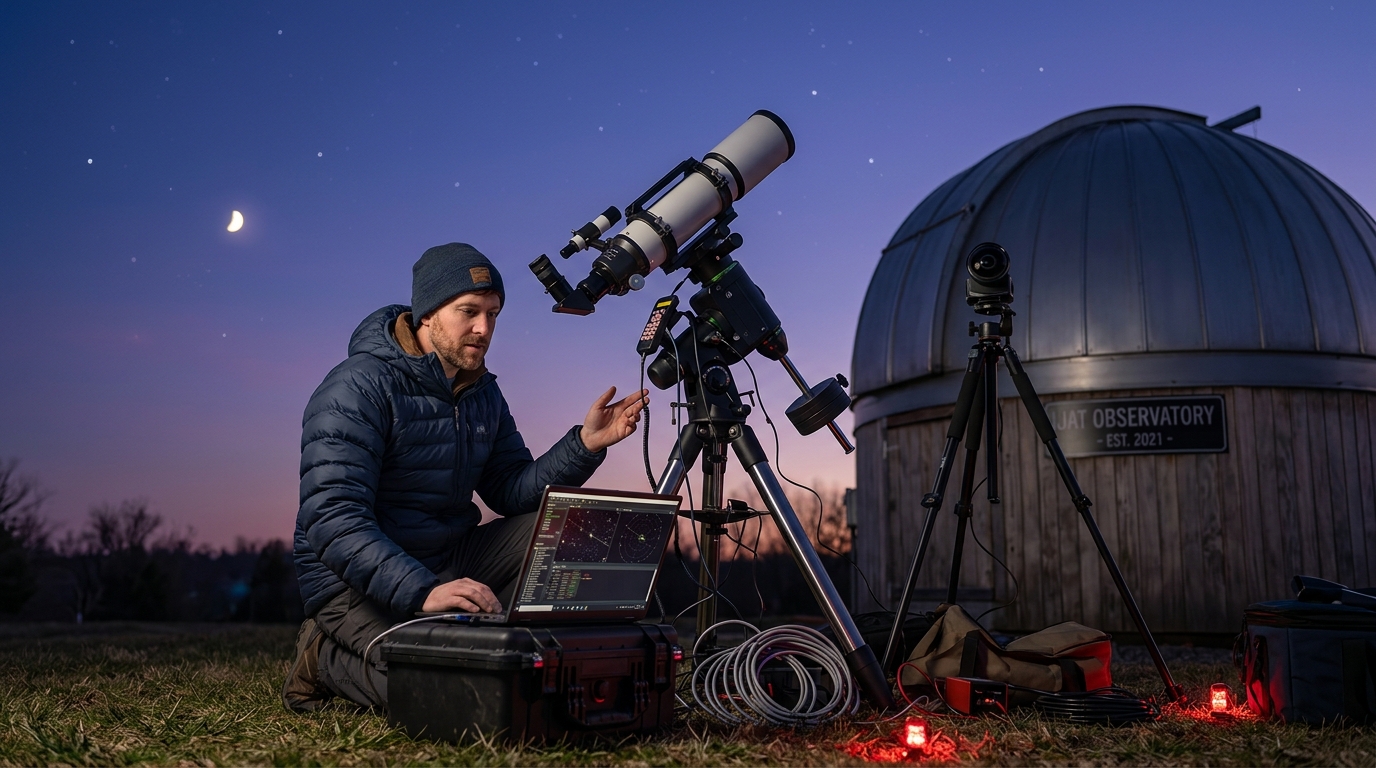
Automation software sits between you and your hardware. It reads weather stations, controls mounts and cameras, manages focusing, and decides whether conditions are safe enough to open the dome or roll back the roof.
Most systems follow a supervisor-worker model. The supervisor checks conditions every few minutes. Workers handle individual tasks like slewing to targets, capturing frames, or parking the mount.
The software doesn’t replace your judgment. It follows rules you define. If wind speed exceeds 25 mph, close the roof. If clouds cover more than 30% of the sky, pause imaging and wait. If humidity climbs above 85%, park and shut down.
Good automation handles the boring parts. Bad automation creates new problems by failing silently or ignoring edge cases.
Core Components of a Working Automation Stack
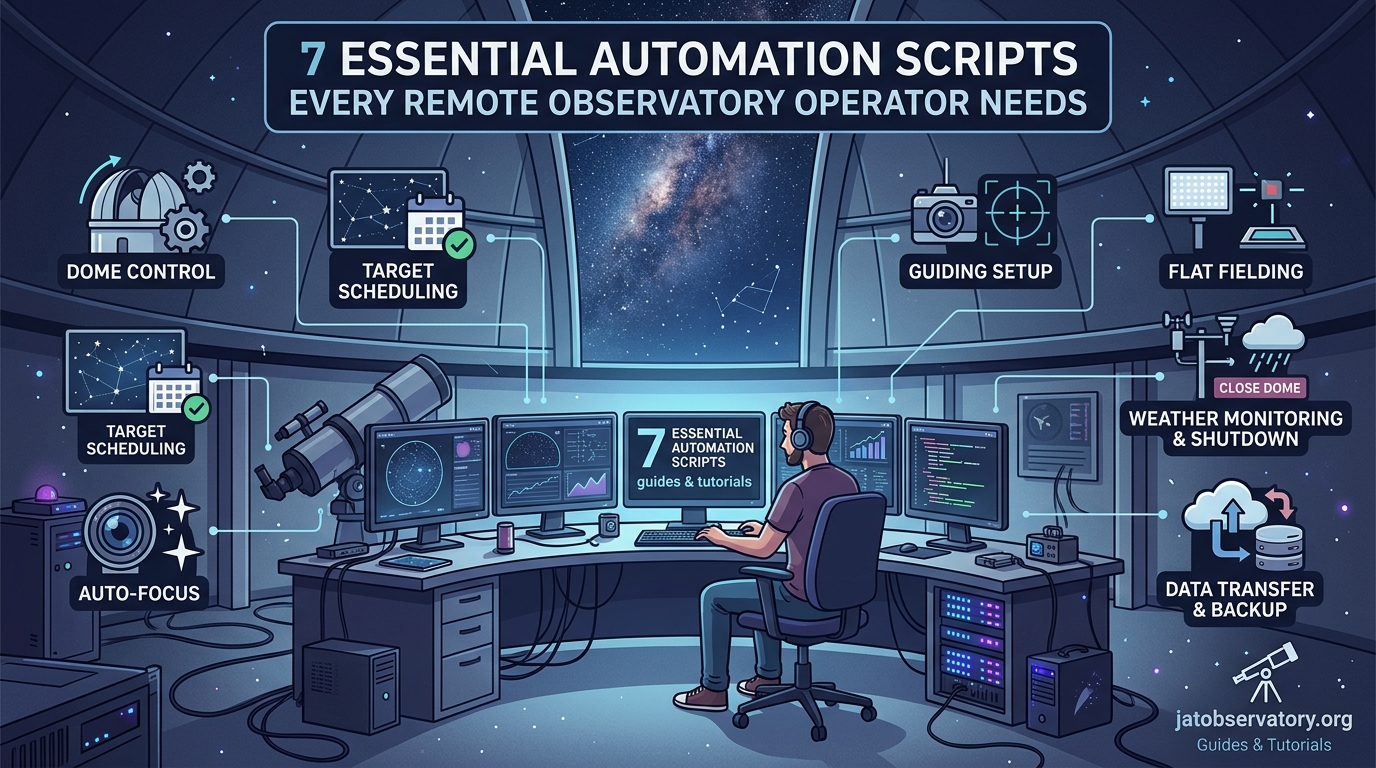
Every functional remote observatory needs these pieces working together:
- Weather monitoring that updates every 60 seconds or faster
- Mount control software compatible with your telescope’s protocol
- Camera drivers that support long exposures and cooling management
- Focusing routines that compensate for temperature drift
- Scripting engine that ties everything into sequences
- Safety monitoring that overrides imaging plans when conditions deteriorate
The hardware matters less than the connections between components. A $200 weather station works fine if your software reads its data correctly and acts on thresholds you set.
ASCOM and INDI are the two major frameworks. ASCOM dominates Windows environments. INDI runs on Linux and powers many Raspberry Pi setups. Both provide standardized ways for software to talk to hardware without custom drivers for every device.
You can mix and match. Use ASCOM for the mount, INDI for the camera, and a Python script to coordinate them. The flexibility helps when you upgrade one component without replacing the entire system.
Setting Up Your First Automated Imaging Session
Here’s a step-by-step process for running an unattended imaging night:
- Define your target list with right ascension, declination, and priority rankings.
- Set weather thresholds for wind, clouds, humidity, and temperature that trigger shutdown.
- Create an imaging plan specifying filter sequences, exposure times, and total frame counts.
- Configure the focusing routine to run every 30 minutes or whenever temperature changes by 3 degrees.
- Test the emergency shutdown sequence by simulating bad weather conditions.
- Start the automation script and monitor the first hour remotely to catch any issues.
- Review logs the next morning to identify failures or inefficiencies worth fixing.
The first few nights will reveal problems. The mount might fail to slew to certain targets. The camera might not cool fast enough. The weather station might report false cloud readings when dew forms on the sensor.
Each problem becomes a rule in your script. If dew point is within 2 degrees of ambient temperature, activate the dew heater. If slew fails twice, skip that target and move to the next one. If focusing takes more than 5 minutes, abort and try again with a wider search range.
How to automate your backyard observatory with open-source software covers the initial software installation and configuration that makes these automated sessions possible.
Weather Monitoring That Actually Protects Your Gear
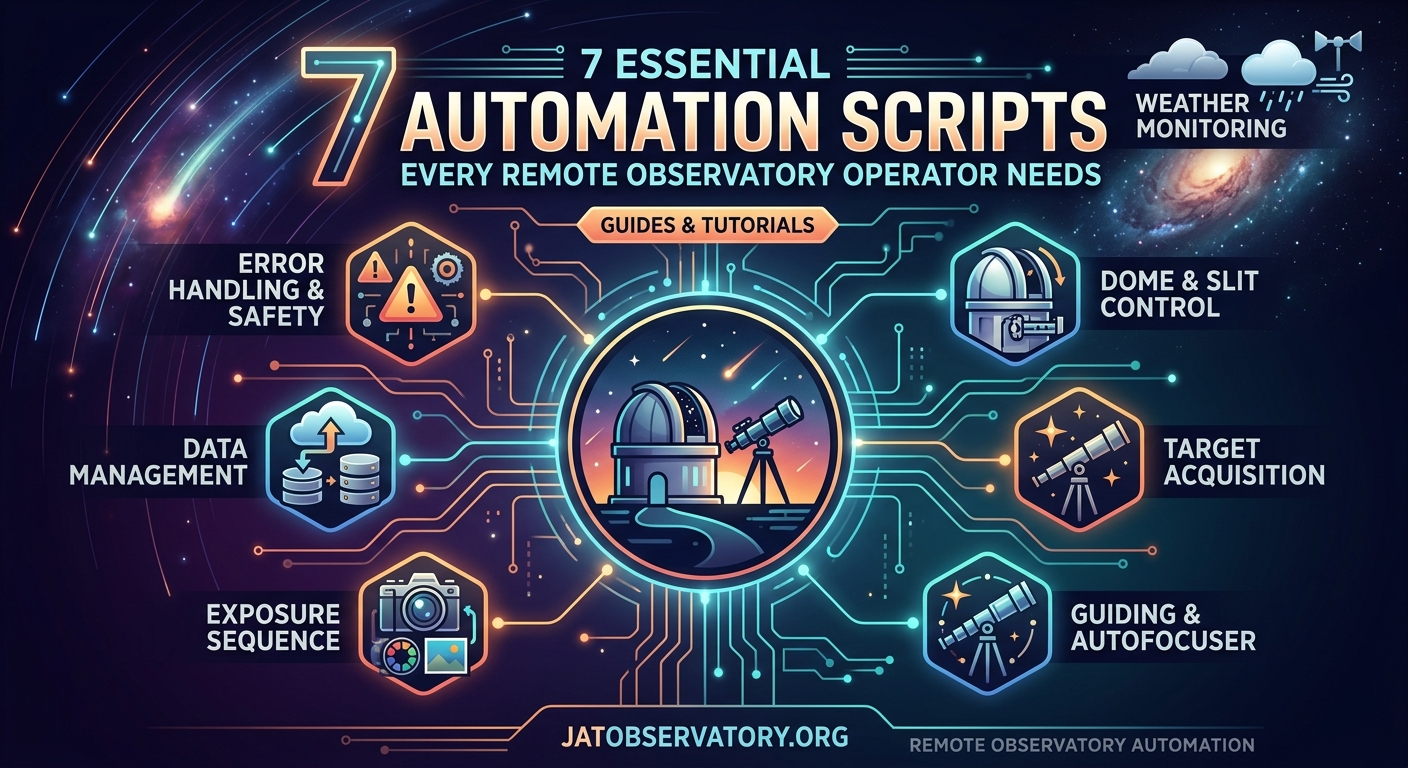
Weather stations designed for observatories measure different parameters than consumer weather devices. You need cloud detection, not just temperature and humidity.
Most observatory weather stations use infrared sensors pointed at the sky. Clear skies are cold. Cloudy skies reflect ground heat back down and appear warmer to the sensor. The temperature difference tells you cloud coverage with reasonable accuracy.
Wind matters more than you think. A 15 mph sustained wind won’t damage your telescope, but gusts to 35 mph can shake a pier-mounted setup hard enough to ruin hours of stacked images. Your automation needs to distinguish between sustained wind and gusts.
Rain sensors should trigger immediate shutdown. Even a light drizzle can fog optics or short out electronics. The best rain sensors use multiple detection methods: conductivity pads, optical sensors, and sudden humidity spikes.
A single false shutdown costs you one night of imaging. A single failure to shutdown during actual rain can cost you thousands in damaged equipment. Always err on the side of caution when setting weather thresholds.
Your software should log weather data even when not imaging. Reviewing a month of weather logs helps you understand local patterns. Maybe clouds always roll in around 2 AM during summer. Maybe wind picks up every afternoon at 4 PM. These patterns inform better imaging schedules.
Scripting Languages and Platforms Worth Learning
Python dominates observatory automation because it’s readable, well-documented, and has libraries for almost everything. You can control ASCOM devices, parse weather station data, calculate astronomical coordinates, and send alerts to your phone, all in Python.
JavaScript works well for web-based control panels. Many operators want to check status or adjust settings from a phone browser. A simple Node.js server can expose controls and display real-time data without building a native app.
Bash scripts handle system-level tasks on Linux observatories. Rebooting stuck USB devices, checking disk space, rotating log files, and managing network connections often need shell access that higher-level languages don’t provide cleanly.
ACP (ACP Observatory Control Software) uses its own scripting language but integrates tightly with ASCOM. It’s commercial software with a learning curve, but many professional and serious amateur observatories rely on it for mission-critical operations.
The table below compares common automation approaches:
| Approach | Best For | Main Limitation |
|---|---|---|
| Python scripts | Custom logic and hardware integration | Requires programming knowledge |
| Commercial suites | Turnkey solutions with support | Expensive and less flexible |
| Visual scripting tools | Beginners avoiding code | Limited to predefined actions |
| Hybrid systems | Mixing commercial and custom components | Complexity in debugging interactions |
5 essential scripts every remote observatory owner should be running provides tested examples you can adapt for your setup.
Handling Failures Without Losing Equipment or Data
Automation fails. Power goes out. Network connections drop. Hard drives fill up. USB devices stop responding. Your software needs to handle these gracefully.
Watchdog timers are essential. If your main script hasn’t updated a status file in 10 minutes, a separate watchdog script assumes something crashed and executes a safe shutdown sequence. The watchdog runs independently so it survives main script failures.
Redundant safety checks prevent single points of failure. Don’t rely solely on your automation software to close the roof during rain. Install a hardware rain sensor wired directly to the roof motor controller. If rain is detected, the roof closes regardless of what the computer thinks.
Failed imaging runs should save whatever data was captured. If a sequence planned 100 frames but only got 40 before clouds moved in, those 40 frames still have value. Your script should handle partial datasets gracefully.
Network failures are common. Your automation should detect when it can’t reach the internet and switch to local-only operation. Log everything locally. When the connection returns, sync logs and images to cloud storage or a remote server.
Optimizing Imaging Time Through Smart Scheduling
Automation lets you image multiple targets per night, but poor scheduling wastes time on slews, meridian flips, and focusing runs.
Plan targets by altitude and transit time. Start with objects high in the east after sunset. Work westward through the night. By dawn, you’re imaging objects setting in the west. This minimizes time spent at low altitudes where atmospheric distortion degrades image quality.
Group targets by filter requirements. If you’re shooting narrowband, batch all your Ha targets together, then switch filters once for SII targets. Filter changes take time and risk focus shifts. Minimize them.
Temperature-based focusing saves time over fixed-interval focusing. If temperature hasn’t changed much, skip the focus run. If temperature dropped 5 degrees, run a full focus routine. This adaptive approach balances image sharpness against wasted time.
Lunar occultation events worth setting your remote telescope for demonstrates how to schedule time-sensitive observations that automation handles better than manual operation.
Integrating All-Sky Cameras Into Your Workflow
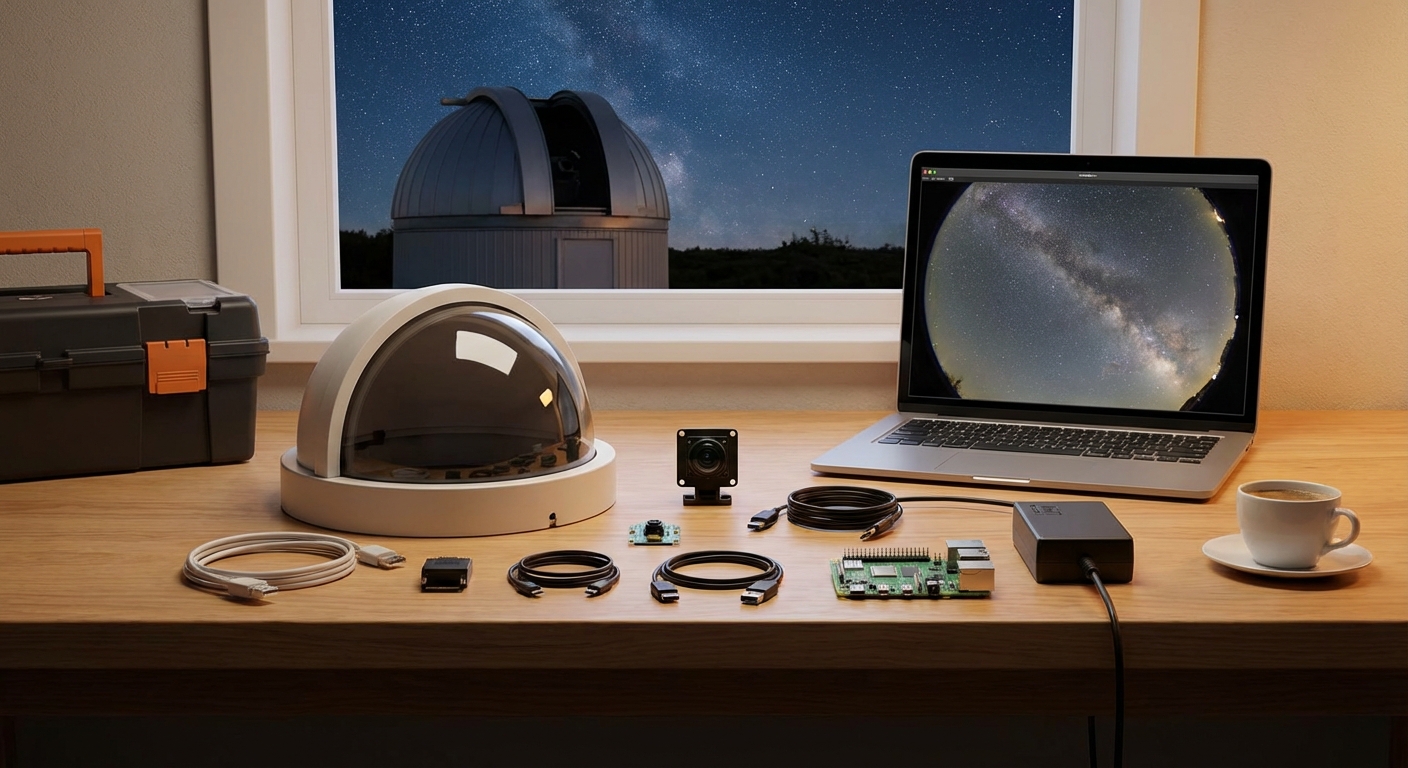
All-sky cameras provide context your main imaging telescope can’t. They show overall sky conditions, detect satellites and aircraft before they ruin exposures, and record meteor activity as a bonus.
Modern automation uses all-sky camera data to make smarter decisions. If the all-sky camera shows a clear hole in clouds directly over your current target, keep imaging even if cloud coverage elsewhere exceeds normal thresholds.
Some operators use all-sky images for automatic cloud mapping. Image processing algorithms analyze the brightness distribution across the sky. Bright areas indicate clouds. Dark areas are clear. The automation can then select targets in clear patches and avoid cloudy regions.
Building an all-sky camera system to monitor celestial patterns year-round walks through hardware selection and software integration for these secondary monitoring systems.
All-sky cameras also provide visual confirmation during troubleshooting. If your main camera reports strange data, checking the all-sky view often reveals the cause. Maybe fog rolled in. Maybe the dome didn’t open fully. Visual confirmation beats guessing.
Power Management and Uninterruptible Operation
Remote observatories need reliable power. A brief outage during the day is annoying. An outage at 2 AM during a long exposure sequence is catastrophic if your equipment doesn’t shut down safely.
UPS systems (uninterruptible power supplies) give you time to execute controlled shutdowns. Size your UPS to provide at least 30 minutes of runtime for essential equipment: the mount, main computer, roof motor, and network gear.
Smart power strips let your automation control which devices receive power. If you’re not imaging, shut down the camera cooler to save energy. If focusing failed three times, power cycle the focuser. If the mount stops responding, cut power for 10 seconds and restart.
Some observatories use multiple UPS units in a tiered approach. Critical safety systems (roof motor, weather station, main computer) connect to a large UPS with hours of capacity. Less critical devices (camera, focuser, dew heaters) connect to a smaller UPS that provides just enough time for orderly shutdown.
5 essential power management solutions for unattended remote observatories covers both commercial and DIY approaches to keeping your observatory running through power hiccups.
Solar panels and battery banks extend operation during multi-day power outages. A modest 400-watt solar array with 200Ah of battery storage can keep essential monitoring systems running indefinitely, even if imaging equipment stays offline.
Remote Access and Monitoring Best Practices
You need to check on your observatory without driving there at 3 AM. VPN access is more secure than port forwarding. Set up a VPN server on your observatory network. Connect through it from your phone or laptop. This keeps your control interfaces off the public internet.
Remote desktop software varies in quality. TeamViewer works but compresses video heavily. VNC provides better image quality if bandwidth allows. For Windows systems, Remote Desktop Protocol (RDP) offers the best balance of performance and compatibility.
The complete guide to remote desktop solutions for observatory control compares options specifically for astronomical applications where image preview quality matters.
Status dashboards should show critical information at a glance. Current target, frames completed, weather conditions, and time until sunrise. You shouldn’t need to click through multiple windows to assess whether everything is running smoothly.
Alert systems need tuning. Too many alerts and you’ll ignore them. Too few and you’ll miss real problems. Start conservative with alerts for any weather threshold breach, imaging sequence failure, or hardware error. After a month, review which alerts were actionable and disable the noise.
Common Automation Mistakes and How to Avoid Them
New automation users often create scripts that work perfectly in testing but fail in real conditions. The test run had clear skies and no wind. The real night had variable clouds, temperature swings, and a USB device that disconnected randomly.
Testing needs to simulate failure modes. Unplug the camera mid-exposure. Kill the mount driver. Fill the hard drive. Set weather values that trigger shutdown. Your automation should handle all of these without manual intervention.
Logging is not optional. Every decision your automation makes should write to a log file with a timestamp. When something goes wrong, logs tell you exactly what happened and when. Without logs, you’re guessing.
Hardcoded values create brittle scripts. Don’t code “wait 30 seconds for the camera to cool.” Read the actual temperature and wait until it reaches the target. Don’t assume the mount slews in 15 seconds. Wait for a position confirmation.
Documentation saves future frustration. Comment your scripts. Explain why certain thresholds exist. Future you, six months from now, won’t remember why you set the cloud threshold to 28% instead of 30%. Present you should write it down.
Building Resilience Through Redundancy
Single points of failure doom automation projects. If your main computer crashes, can the observatory still close safely? If your primary weather station fails, do you have a backup?
Hardware redundancy costs money but prevents total failures. A backup weather station doesn’t need to be as sophisticated as your primary. A simple temperature and humidity sensor provides enough data to make safe shutdown decisions if your main station dies.
Software redundancy means multiple layers of safety checks. Your main automation script monitors weather. A separate script also monitors weather and can trigger shutdown independently. The roof controller itself has weather inputs that close the roof regardless of computer commands.
Network redundancy matters for remote sites. A primary internet connection through cable or fiber, plus a cellular backup for monitoring and emergency control. When the main connection fails, you still get alerts and can issue shutdown commands.
Data redundancy protects your images. Write incoming frames to two drives simultaneously. Sync to cloud storage overnight. A single drive failure shouldn’t cost you a week of imaging data.
Making Your Observatory Truly Autonomous
Full autonomy means the observatory operates for weeks without intervention. It selects targets based on current conditions and priorities. It adapts to weather changes. It performs maintenance tasks like flat field calibration automatically.
Target selection algorithms consider multiple factors: object altitude, moon phase and proximity, previous imaging time on each target, and current weather conditions. The system builds a nightly schedule dynamically rather than following a fixed plan.
Why your observatory needs automated flat field calibration explains one maintenance task that benefits enormously from automation.
Adaptive imaging adjusts exposure times and binning based on conditions. If transparency drops but the sky is still clear, increase exposure time to maintain signal-to-noise ratio. If seeing degrades, switch to 2×2 binning to improve tracking accuracy.
Self-diagnosis helps autonomous systems recover from problems. If focusing consistently fails, the system can try alternate algorithms or adjust search parameters. If a target repeatedly produces poor images, it gets flagged for manual review.
Software Platforms and Tools Worth Considering
NINA (Nighttime Imaging ‘N’ Astronomy) is free, open-source, and surprisingly capable. It handles sequencing, focusing, plate solving, and meridian flips. The plugin architecture lets you extend functionality without modifying core code.
SGPro (Sequence Generator Pro) is commercial but widely used by serious amateurs. It integrates well with most hardware and provides sophisticated sequencing options. The learning curve is steeper than NINA but the capabilities match or exceed many professional packages.
Voyager is another commercial option popular in Europe. It emphasizes automation and remote operation. The interface takes getting used to, but users report excellent reliability for unattended imaging.
TheSkyX Professional handles planetarium functions, telescope control, and camera operation in one package. It’s expensive but provides tight integration across all functions. Many professional observatories use it.
Custom Python scripts using libraries like Astropy, PyEphem, and ASCOM bindings give you complete control but require programming skills. This approach works well when you have unusual hardware or specific workflow requirements that commercial software doesn’t support.
Free sky mapping software every remote observatory owner should know about covers planning tools that complement your automation platform.
When to Upgrade Your Automation Setup
Start simple. Get basic automated imaging working reliably before adding advanced features. A system that consistently captures good data with minimal intervention beats a complex system that constantly needs fixing.
Add capabilities when you repeatedly encounter the same limitation. If you manually adjust focus three times every night, automate focusing. If you waste time checking weather, automate weather monitoring. Let actual pain points drive upgrades.
Hardware upgrades should solve specific problems. Don’t buy a faster focuser because it’s cool. Buy it because temperature changes during the night cause focus drift that ruins frames. The upgrade addresses a measured problem.
Software upgrades need testing before deployment. Don’t update your automation platform the night before a new moon. Test updates during bright time when imaging isn’t critical. Keep backups of working configurations.
Turning Scripts Into Systems
Individual scripts become systems when they communicate and coordinate. Your weather monitoring script shouldn’t just log data. It should broadcast status to other scripts that make decisions based on that data.
Message queues or shared databases let scripts exchange information. The weather script writes current conditions to a database. The imaging script reads conditions before starting each exposure. The safety script monitors conditions continuously and can halt operations immediately.
State machines help manage complex workflows. Define states like “startup,” “imaging,” “paused for clouds,” “shutdown,” and “error.” Each state has allowed transitions and associated actions. This structure prevents impossible situations like trying to image while the roof is closed.
Error handling needs to be comprehensive but not paranoid. Retry failed operations a reasonable number of times. If retries fail, move to a safe state and alert the operator. Don’t let the system spiral into increasingly desperate recovery attempts.
Your Observatory, Your Rules
The best remote observatory automation software is the system you’ll actually use and maintain. Start with proven platforms, add custom scripts for your specific needs, and test everything thoroughly before trusting it with expensive equipment.
Automation should reduce stress, not create it. If you’re constantly worried about what your observatory is doing, your automation isn’t ready. Build confidence through testing, logging, redundancy, and conservative safety thresholds. The goal is peaceful sleep while your telescope does the work.

Post Comment