How to Build a Remote Observatory Resource Library That Actually Saves You Time
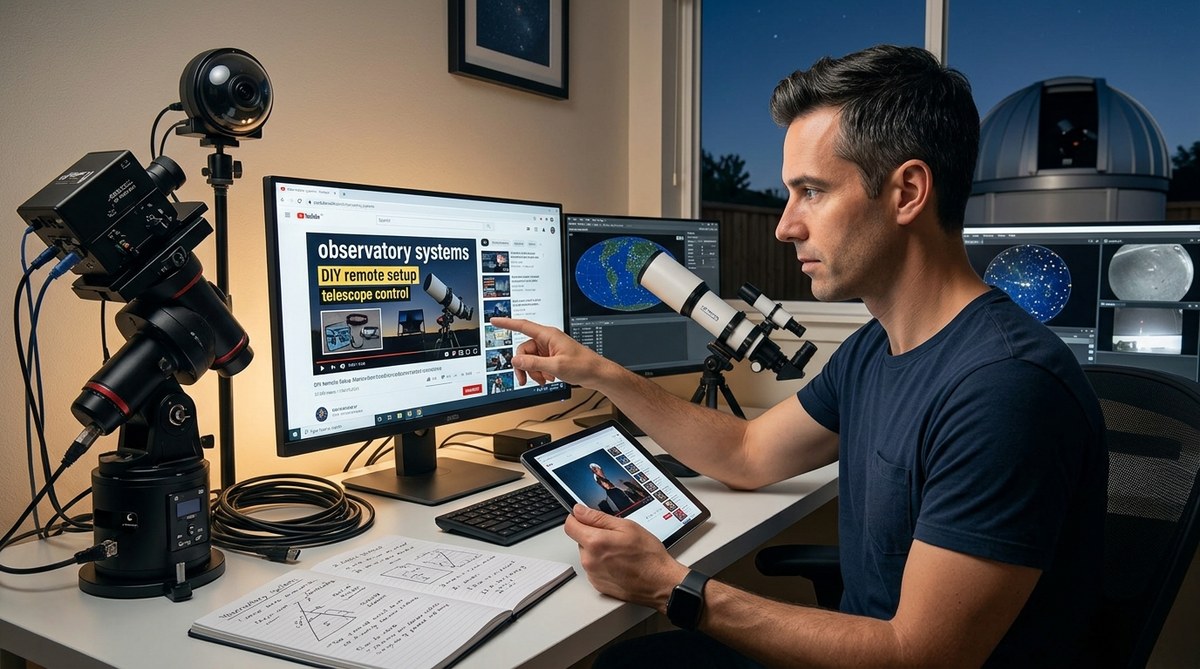
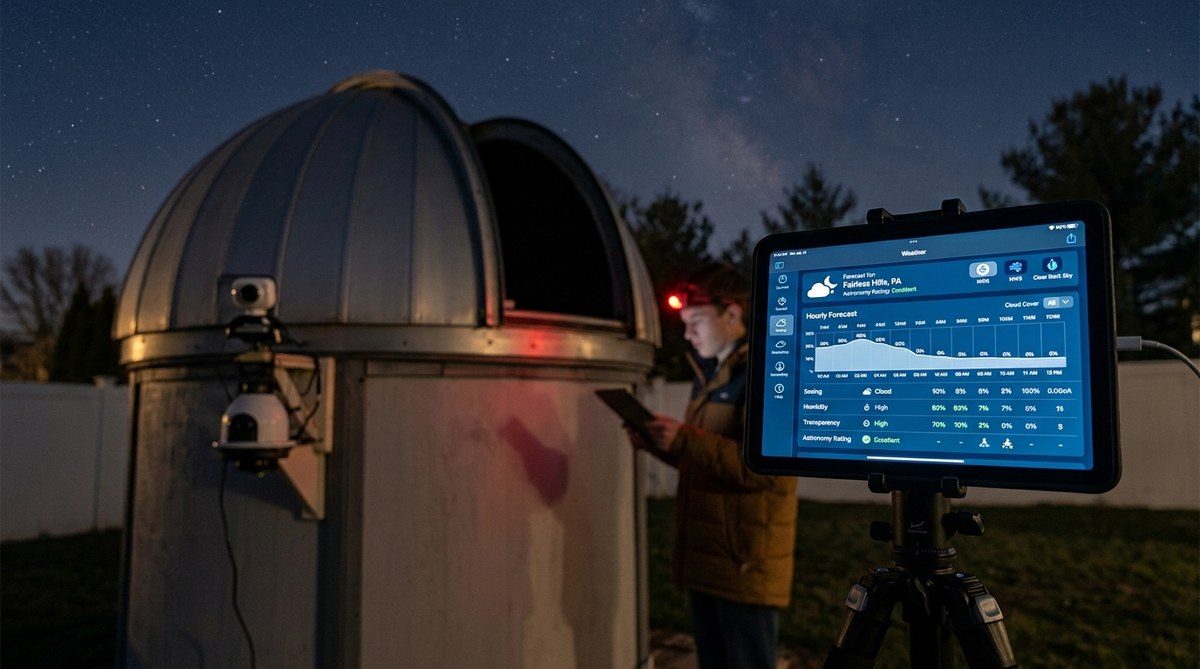
You have a remote telescope setup that you manage from your living room. Maybe it is a backyard dome with a robotic mount, or a permanent pier in a dark sky location an hour away. Either way, you know the feeling of hunting for a specific guide on flat field calibration or weather data, only to end up digging through ten browser tabs and a forgotten forum thread. That wasted time adds up. A well organized remote observatory resource library changes everything. It turns frantic searching into a calm, repeatable process.
A remote observatory resource library is a curated collection of guides, software tools, reference tables, and troubleshooting notes that you can access in seconds. It saves you from repeating research, helps you avoid common setup mistakes, and keeps your automation scripts consistent. This article walks you through building one that fits your gear, your sky conditions, and your workflow.
Why a Scattered Collection Costs You More Than You Think
When you are setting up a remote observatory, every hour of clear sky matters. If you spend twenty minutes looking for the right INDI driver configuration or a flat field capture script, you lose imaging time. Worse, you might grab an outdated guide that causes a crash at 2 AM.
The problem is not a lack of information. It is the opposite. There are too many sources. Cloudy Nights, Reddit, YouTube, manufacturer PDFs, and personal blogs all have pieces of the puzzle. Without a system, you end up with bookmarks that go stale and notes that are impossible to find.
A dedicated resource library acts as your single source of truth. It holds the exact steps for your specific mount, camera, and software stack. It also includes the lessons you learned the hard way, so you never repeat them.
The Four Core Categories Your Library Needs
Think of your library like a toolbox. Each section serves a different purpose. Here are the categories that work best for most remote observatory owners.
1. Hardware and Configuration Guides
This section holds everything about your physical gear. It includes:
- Mount manuals and polar alignment procedures
- Camera driver installation steps
- Power management diagrams
- Network and remote desktop setup notes
For example, if you run a Celestron mount with a ZWO camera, you want a single page that lists the exact ASCOM driver version, the USB hub order, and the cable routing photo that worked last season.
2. Software and Automation Scripts
Your remote observatory likely runs on a mix of commercial and open-source software. This category stores:
- INDI driver profiles for your gear
- Python scripts for guiding, dithering, and flat field capture
- Sequence templates in N.I.N.A. or Voyager
- Remote desktop and VPN configuration files
Keep a running log of which script version works with which software release. Nothing is worse than updating N.I.N.A. and breaking your autofocus routine.
3. Reference Data and Calibration Files
Calibration is the backbone of good astrophotography. Your library should hold:
- Master dark, flat, and bias frames for each camera setting
- Sensor temperature logs
- Sky quality meter readings from your site
- A log of successful and failed calibration runs
This section saves you from re-shooting calibration frames every month. It also helps you spot trends, like when your sensor starts showing more hot pixels.
4. Troubleshooting and Logs
Every remote observatory has gremlins. This category captures:
- Common error codes and their fixes
- Power outage recovery procedures
- Dew heater troubleshooting notes
- A log of every crash and what resolved it
When your mount loses connection at 3 AM, you want to pull up the fix you wrote down six months ago, not start from scratch.
How to Build Your Library in Five Steps
Here is a practical process that works whether you prefer a digital notebook, a local folder system, or a cloud-based tool.
-
Audit your current bookmarks and notes. Collect everything you already have. Browser bookmarks, local text files, screenshots, and forum post links. Put them all into one temporary folder.
-
Sort by the four categories above. Create a folder or tag for each category. Move each item into its best fit. If something does not fit, create a “Misc” folder and review it later.
-
Rewrite or consolidate the most important guides. Pick the top five tasks you do every session, like polar alignment, flat field capture, and remote connection. Rewrite those as single page guides in your own words. Include screenshots and exact command lines.
-
Add a version date to every file. Write the date you last updated each guide. This helps you know when something might be out of date. For scripts, include a changelog at the top of the file.
-
Set a monthly review reminder. On the first of each month, spend fifteen minutes checking for broken links, updated software versions, and new troubleshooting entries. This keeps your library alive.
Common Mistakes That Kill a Resource Library
Even a good library can fail if you fall into these traps. Here is a table of what to avoid and what to do instead.
| Mistake | Why It Hurts | Better Approach |
|---|---|---|
| Saving only links | Links break when sites change or go down | Download PDFs or copy essential text into your own files |
| No folder structure | You cannot find anything later | Use the four category system above |
| Skipping the changelog | You do not know if a guide is current | Add a “Last Updated” line to every document |
| Storing everything locally | A hard drive failure wipes your work | Use a cloud sync service with offline access |
| Copying without testing | A guide might have errors for your gear | Test every procedure yourself before saving it |
“The best resource library is the one you actually use. Do not try to collect everything from day one. Start with the five tasks you do most often, then grow from there.” – Jake, veteran remote observatory operator from the Cloudy Nights forums
Tools That Make Your Library Easy to Maintain
You do not need fancy software. Many people use a simple folder system on their computer synced to Google Drive or Dropbox. Others prefer a note taking app like Obsidian or Notion because they support internal links and search.
For scripts and configuration files, use a version control system like Git. It lets you track every change and roll back if something breaks. Even a basic text file with a changelog works fine for smaller setups.
If you share an observatory with a friend, consider a shared tool that supports comments and edit history. That way you both stay on the same page.
Keeping Your Library Alive Through the Seasons
Your observatory changes over time. You might upgrade your camera, switch to a new guiding software, or move to a different dark sky site. Your library needs to reflect those changes.
When you install a new piece of gear, add its documentation to the library right away. When you troubleshoot a new error, write down the fix before you forget it. Treat your library like a living document. It grows with you.
If you skip a few months, do not stress. Just pick one category and update it during your next cloudy night. Consistency matters more than perfection.
Your Library as a Launchpad for Better Observations
Once your library is solid, you stop thinking about the mechanics and start focusing on the sky. You can spend your energy on planning targets, experimenting with new filters, or capturing that perfect data set.
A good library also makes it easier to share your setup with others. If a friend asks how you handle power management, you can send them your guide. If you join an online community, you can contribute tested procedures instead of vague advice.
For more ideas on what to include, check out our guide on how to automate your backyard observatory with open-source software and our list of 5 essential scripts every remote observatory owner should be running.
Turn Your Library Into a Habit
Building a remote observatory resource library is not a one weekend project. It is a habit that pays off every single clear night. Start small. Pick one category, gather your best resources, and write one guide. Then add another next week.
Before you know it, you will have a collection that saves you hours of frustration. You will spend less time searching and more time capturing photons. That is the whole point.
So open a folder, grab your best bookmark, and write your first entry tonight. Your future self, standing in the dark at 2 AM with a stubborn mount, will thank you.

Post Comment