Can INDI Drivers Really Replace Proprietary Telescope Software?
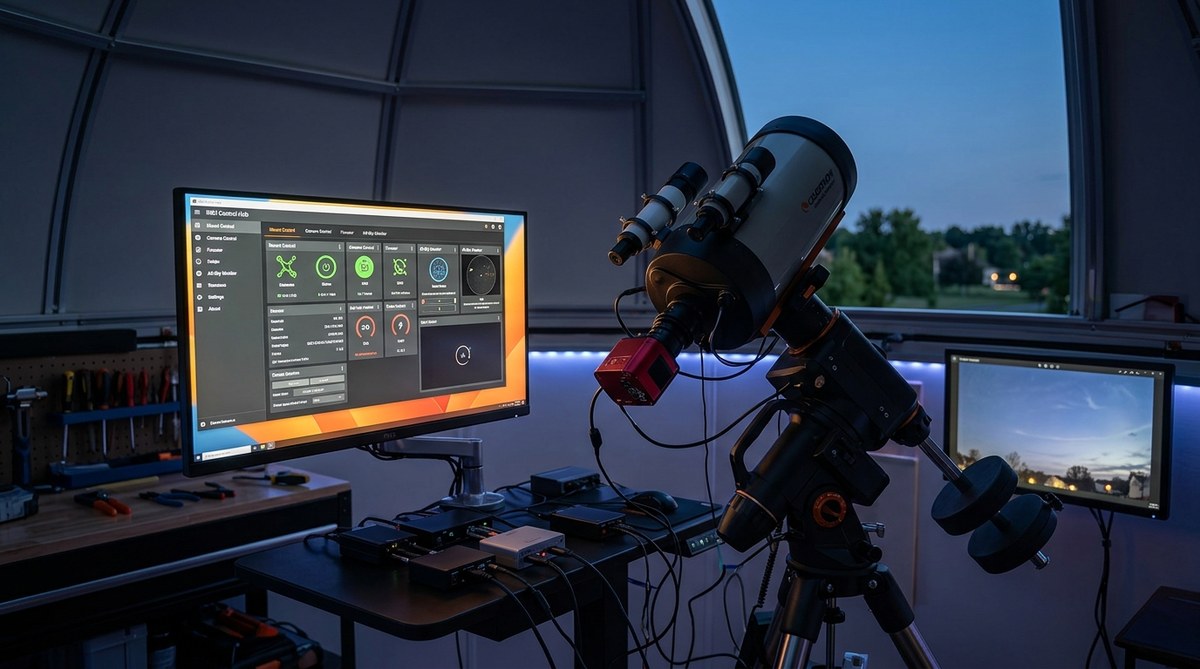
Thinking about streamlining your astronomical setup? Many amateur astronomers and astrophotographers are discovering that INDI drivers can effectively replace proprietary telescope software. This shift unlocks a new level of flexibility, control, and customization. Instead of being locked into specific brands or limited software ecosystems, you gain freedom to integrate various hardware components and automate your entire observatory. It’s a game-changer for those wanting more control over their celestial adventures.
INDI drivers offer a flexible, open-source alternative to proprietary telescope software. They enable seamless automation, hardware compatibility, and customization for amateur astronomers, making remote control easier and more affordable.
Understanding INDI Drivers and Their Role in Astronomy
INDI (Instrument Neutral Distributed Interface) is an open-source protocol designed to standardize device control for telescopes, cameras, mount drivers, and other astronomical hardware. It acts as a bridge between your hardware and software, allowing different devices to communicate smoothly regardless of manufacturer.
Unlike proprietary software that often limits users to specific brands or platforms, INDI provides a universal way to connect, control, and automate your gear. This flexibility is especially valuable for amateur astronomers who want to mix and match equipment or set up remote observatories.
Using INDI drivers, you can replace traditional proprietary software like ASCOM or vendor-specific control panels. Instead, you control everything from open-source applications like KStars, Ekos, or other compatible tools. This opens the door to customization, scripting, and automation that fits your unique observing style.
How INDI Drivers Can Stand in for Proprietary Telescope Software
Switching from proprietary software to INDI drivers involves a few practical steps. Here’s a straightforward process:
-
Assess Your Hardware Compatibility
Check which devices you have—mounts, cameras, focusers—and see if they support INDI. The community-driven INDI driver list continually expands, making compatibility more comprehensive over time. -
Install a Suitable Control Application
Most users opt for KStars with Ekos, a popular open-source suite that integrates seamlessly with INDI. It runs on Linux, Mac, and Windows, offering a unified interface for your entire setup. -
Configure Your Devices
Connect your hardware to the control software by selecting the appropriate INDI drivers. This usually involves entering device addresses or IPs if using networked hardware. The setup is straightforward, with many devices supported out of the box. -
Automate and Script
With everything connected, you can automate focusing, guiding, imaging sequences, and more. Ekos offers a user-friendly interface, but advanced users can write scripts for complex routines. -
Test and Refine
Run test sequences to ensure all devices respond correctly. Fine-tune your configurations for stability and precision. The open-source community is active, so troubleshooting and custom solutions are readily available.
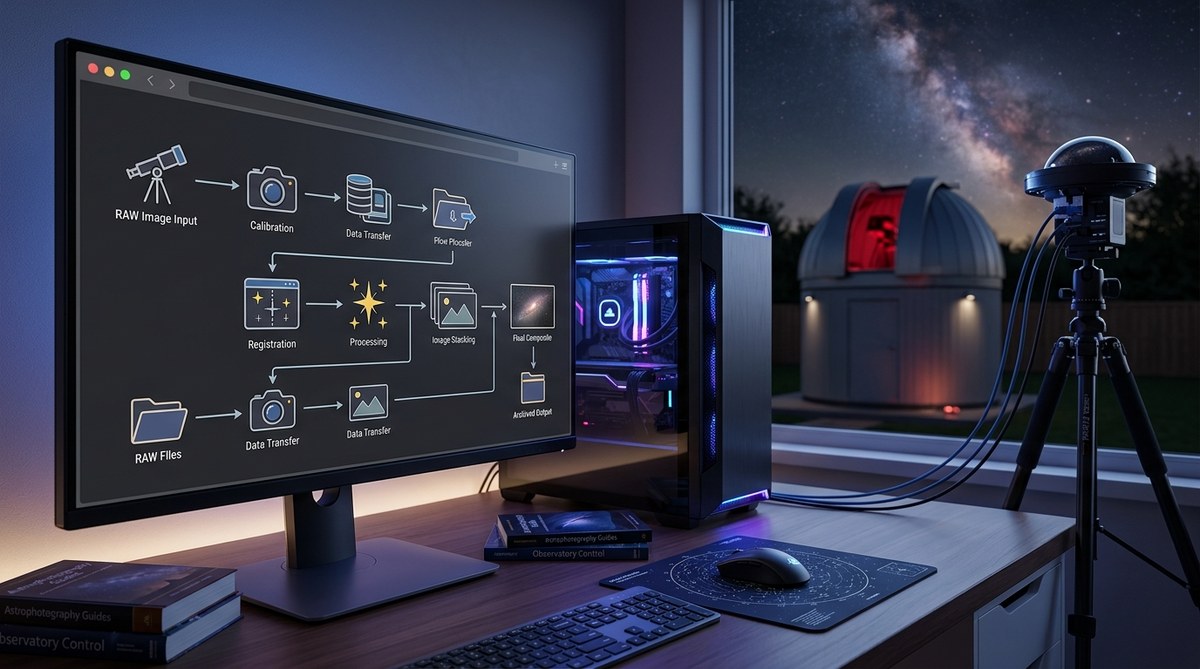
Practical Process Summary
- Verify device compatibility with INDI drivers
- Install control software like KStars/Ekos
- Connect devices via network or direct links
- Configure and automate your observing routines
Common Mistakes to Avoid
| Technique | Mistake | Solution |
|---|---|---|
| Using outdated drivers | Devices not recognized or malfunctioning | Always update to the latest INDI drivers from the community repository |
| Ignoring network setup | Devices not communicating properly | Ensure proper IP configuration and network stability |
| Overlooking device-specific parameters | Poor calibration or tracking | Read device manuals and community guides for proper setup |
“Transitioning to INDI drivers can seem daunting at first, but the flexibility and control it offers are well worth the effort,” advises experienced astro-enthusiast Sarah Miller. “Once set up, you’ll wonder why you ever relied solely on proprietary software.”
Benefits of Replacing Proprietary Software with INDI Drivers
Switching to INDI drivers provides multiple advantages:
- Open-source freedom: No licensing restrictions or vendor lock-in.
- Cross-platform support: Works on Windows, Mac, and Linux.
- Community-driven updates: Continuous improvements from global developers.
- Custom automation: Scripts and workflows tailored to your needs.
- Hardware flexibility: Compatible with a wide range of devices from different manufacturers.
- Remote operation: Easily control your observatory from anywhere with network access.
This adaptability empowers amateur astronomers to build more robust, cost-effective, and personalized systems.
Practical Tips for Making the Transition Seamless
- Start small: Connect a single device first to learn the setup process.
- Use available tutorials: The INDI community offers step-by-step guides and forums.
- Test extensively: Before a major imaging session, verify all components respond correctly.
- Automate gradually: Begin with simple routines, then expand to complex automation as confidence grows.
- Backup configurations: Save your settings regularly to avoid redoing work after updates or changes.
Techniques and Mistakes in Implementing INDI Drivers
| Technique | Common mistake | Correct approach |
|---|---|---|
| Using networked devices | Ignoring network security | Use secured networks and firewalls to protect your system |
| Scripting automation | Overcomplicating scripts | Start with simple sequences and build complexity gradually |
| Updating drivers | Updating without testing | Always test new drivers on a secondary system first |
Final Thoughts on Open-Source Control Solutions
Transitioning from proprietary software to INDI drivers opens a world of possibilities for amateur astronomers. It enhances your ability to automate, customize, and expand your setup without being limited by vendor restrictions. The open-source community is active and welcoming, ready to help you troubleshoot and optimize your system.
Embracing INDI drivers can also deepen your understanding of the technology behind your gear. As you learn to configure and script your observatory, you become more independent and confident in your astronomical pursuits.
Making Your Astronomy Setup Truly Your Own
Taking control of your equipment through INDI drivers means more than just replacing software. It’s a step toward a personalized, flexible observatory tailored to your goals. Whether you are imaging distant galaxies or monitoring planetary motions, open-source solutions give you the tools to innovate and improve.
Start small, experiment, and connect with the vibrant community. With patience and curiosity, you’ll craft a setup that performs reliably and adapts seamlessly to your evolving interests. Your celestial observations will become more rewarding when you have the freedom to control every aspect of your system.
Unlock the potential of your astronomy gear with INDI drivers
Getting comfortable with open-source control software might take a little time, but the payoff is worth it. You’ll gain a deeper connection and understanding of your equipment. Plus, the ability to automate and customize means fewer manual interventions and more time spent gazing at the night sky. Grab your tools, dive into the community, and start building the observatory setup that truly works for you.

Post Comment