Unlocking the Night: A Beginner’s Guide to Scripting Your First Remote Observation Run in 2026
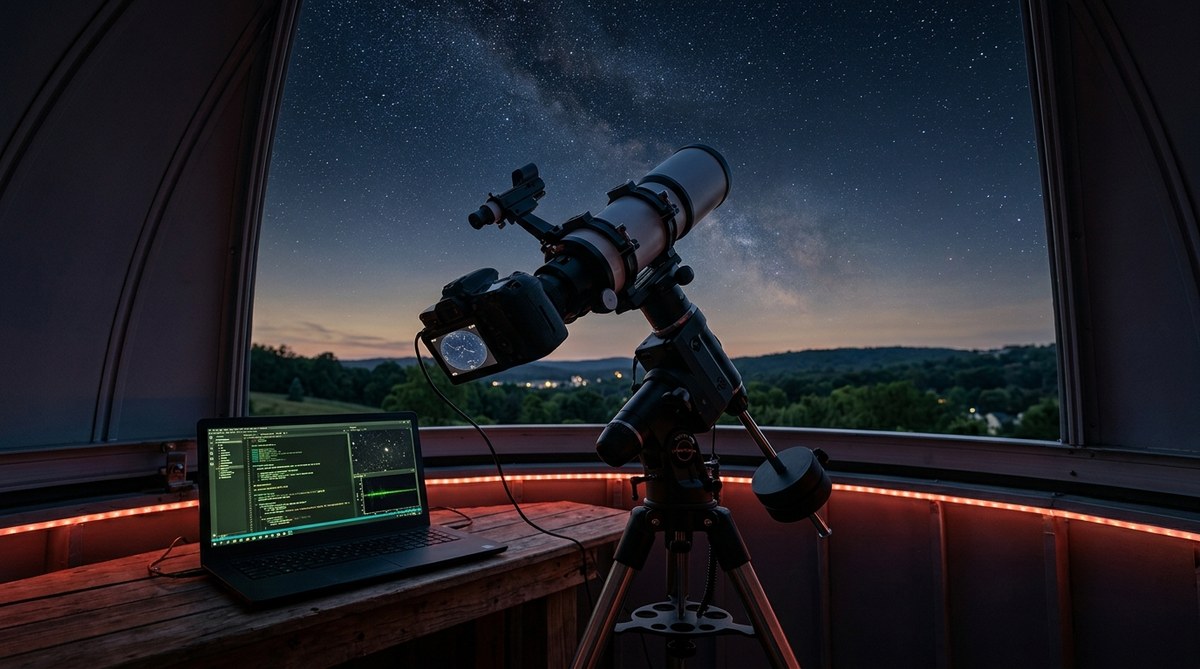
You have spent months perfecting your gear. Your telescope is collimated, your camera is cooled, and your mount is polar aligned. But the weather refuses to cooperate. Clouds roll in every weekend. The moon washes out your favorite targets. You start to wonder if you will ever get that clear night again.
This is exactly why remote astronomy observation for beginners has become so popular in 2026. Instead of fighting your local sky, you can rent time on a telescope located in a dark sky zone. You can script an entire night of data collection from your living room. No dew. No wind. No sleep deprivation. Just clean photons hitting your sensor while you sleep.
Remote astronomy observation for beginners relies on three pillars: target planning, session scripting, and automated execution. This guide walks you through choosing a remote observatory service, building a target list using free software, writing a basic observation script, and handling common errors. By the end you will have a repeatable workflow that turns any clear night into productive science or stunning astrophotography.
Why Remote Observation Changes Everything
Setting up a telescope in your backyard is rewarding, but it has limits. Light pollution from your neighbors, tree lines that block the horizon, and the simple fact that you have to stay awake all night. Remote observatories solve these problems.
You get access to darker skies. You can schedule observations during work hours. And you can run multiple sessions in parallel if the service allows it. For amateur astronomers who live in cities like Philadelphia or New York, remote observation is the difference between giving up on astrophotography and producing images that rival professional work.
Services like iTelescope, Telescope Live, and Slooh have made remote astronomy observation for beginners accessible. You pay for credits or a subscription, and you get a window into a robotic observatory located in Chile, Spain, or the Australian outback.
What You Need Before You Start
Before you write your first script, gather these essentials:
- An account with a remote telescope provider
- A target list (objects you want to photograph)
- Basic sky mapping software (Stellarium is free and works great)
- A text editor for writing your script (Notepad++ or VS Code)
- A weather monitoring tool (so you do not waste credits on cloudy nights)
Most remote observatories use a standard format for their scripts. The most common is a sequence of commands that tell the telescope where to point, how long to expose, and what filter to use.
Step 1: Choose Your Target and Plan Your Window
Your first remote session should not be ambitious. Pick a single bright object. The Andromeda Galaxy (M31) or the Orion Nebula (M42) are perfect for beginners. They are easy to frame, forgiving of small tracking errors, and visually rewarding.
Open your sky mapping software and check when your target is highest in the sky from your chosen observatory location. This is called the transit time. You want to schedule your session within two hours of transit for the best results.
Check the moon phase too. A full moon will wash out faint nebulae. For your first run, aim for a moonless night or a target far from the moon’s position.
Step 2: Understand the Scripting Language
Every remote observatory platform has its own scripting syntax. But they share common elements. Here is a typical command structure:
- Slew to target – This moves the telescope to the coordinates of your object.
- Center and guide – The telescope uses a guide camera to lock onto a star and track accurately.
- Take a light frame – The main camera captures your image for a set exposure time.
- Repeat – The script loops through exposures until you have enough data.
Some platforms use a graphical interface where you drag and drop commands. Others require you to write plain text scripts. Both work. The key is understanding the order of operations.
Step 3: Write Your First Script
Let us write a script for a simple session. We will capture 20 frames of M42 at 120 seconds each, using a luminance filter. Here is what that looks like in a generic script format:
# Session for M42 Orion Nebula
SLEW 05h35m17.3s -05d23m28s
CALIBRATE
GUIDE ON
LOOP 20
  EXPOSE LUMINANCE 120
  SAVE
END LOOP
GUIDE OFF
PARK
That is it. The telescope slews to the coordinates, calibrates its pointing model, turns on guiding, and then loops through 20 exposures. After the loop finishes, it turns off guiding and parks the mount in a safe position.
Most platforms let you add dithering (small movements between frames to reduce noise) and auto focus routines. But keep it simple for your first run.
Step 4: Test Your Script
Never upload a script without testing it first. Use the simulator mode if your provider offers one. This runs through the commands without actually moving the telescope or taking images.
Check for these common issues:
| Issue | Symptom | Fix |
|---|---|---|
| Target below horizon | Script runs but captures nothing | Check your target’s altitude at your scheduled time |
| Exposure too long | Star trails or saturated core | Reduce exposure time or use a neutral density filter |
| Guide star too faint | Guiding fails and images drift | Choose a target with a brighter guide star nearby |
| Filter wheel error | Wrong filter selected | Double check filter names in your script |
| Disk space full | Session stops mid run | Monitor your data storage before starting |
Step 5: Execute and Monitor
Upload your script to the observatory scheduler. Set it to run during your target’s optimal window. Then walk away.
You do not need to watch it. That is the point of remote astronomy observation for beginners. But it is smart to check in once or twice. Most platforms send you a notification if something goes wrong. If you get an error, the telescope will usually park itself and wait for instructions.
“The hardest part of remote observation is trusting your script. Once you see your first set of calibrated frames, you will never go back to sleeping in a cold field.” – A seasoned remote observer from the JAT Observatory team.
Common Mistakes Beginners Make
Remote astronomy observation for beginners often stumbles on the same few issues. Here are the biggest ones and how to avoid them.
- Forgetting to account for time zones. Your local time does not matter. The observatory runs on its local time or UTC. Always convert your target’s transit time to the observatory’s time zone.
- Choosing a target that sets too early. A target that is visible at midnight might set by 2 AM. If your script runs for three hours, you will waste the last hour on a target below the horizon.
- Skipping calibration frames. Bias, dark, and flat frames are essential for clean images. Most remote services let you schedule these automatically. Do not skip them.
- Using too many filters on your first run. Stick to luminance or a single RGB filter. Trying to capture LRGB on your first session adds complexity without much reward.
If you want to see what a successful remote session looks like, check out our guide on how to photograph the Andromeda Galaxy from a suburban backyard observatory. It shows the same principles applied to a specific target.
Tools That Make Remote Scripting Easier
You do not have to write scripts from scratch every time. Several tools can help.
- Stellarium – Free planetarium software. Use it to find target coordinates and transit times.
- Telescope control software – Programs like N.I.N.A. or Sequence Generator Pro can generate scripts for you. They have wizards that walk you through each step.
- Online forums – Many remote observatory providers have community libraries of scripts. You can copy and modify them. The best online astronomy forums and communities for backyard observers in 2026 are a great place to start.
- Weather tools – Services like Clear Dark Sky or Astrospheric give you hour by hour forecasts for specific observatory sites.
Building a Weekly Routine
Once you have your first successful run, build a routine. Here is a sample weekly workflow:
- Saturday morning – Check the weather forecast for the coming week.
- Saturday afternoon – Pick one or two targets. Write your scripts.
- Sunday evening – Upload scripts to the scheduler.
- Monday through Thursday – Let the observatory run. Check results each morning.
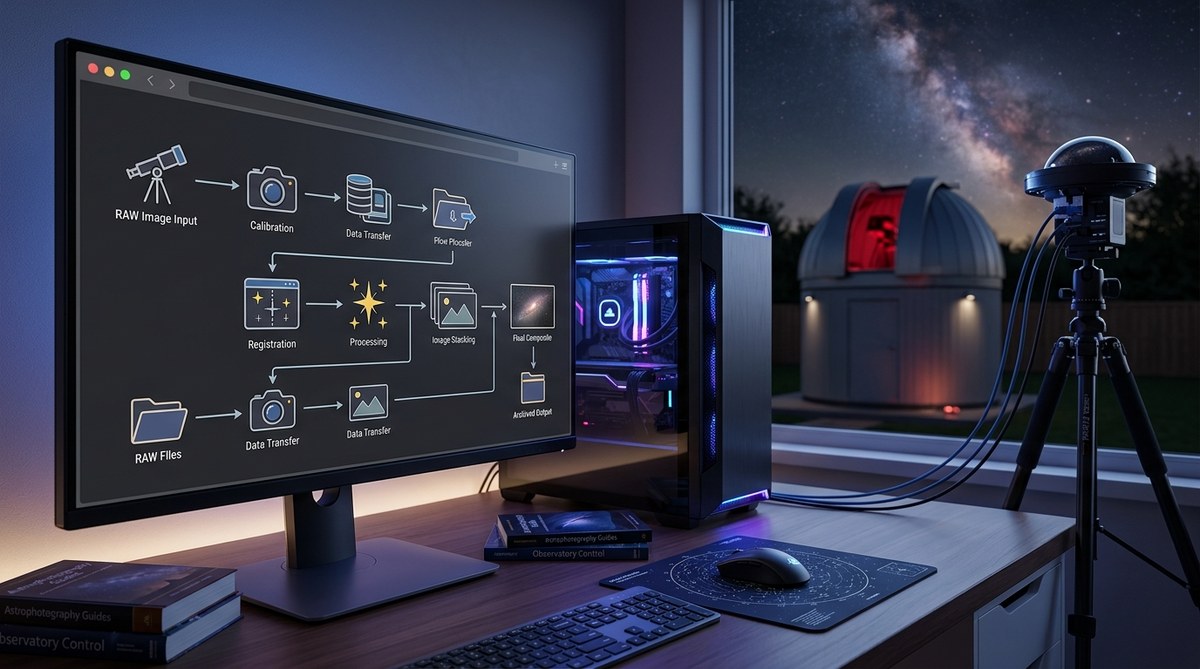
- Friday – Process your data. Stack images. Share your results.
This routine turns remote astronomy observation for beginners into a sustainable hobby. You spend a few hours planning each week, and the telescope does the heavy lifting.
When Things Go Wrong
Even with careful planning, things fail. The guide camera might lose its lock. A cloud could drift over the observatory. The internet connection might drop. Do not panic.
Most problems are recoverable. If a session fails partway through, check the error log. The telescope is usually safe. You can reschedule the session for the next clear night.
If you are struggling with persistent issues, read our guide on why your observatory webcam keeps freezing at night and how to fix it. The same troubleshooting principles apply to remote setups.
Your First Light Awaits
Remote astronomy observation for beginners is not about mastering complex hardware. It is about shifting your focus from gear management to data collection. The telescope becomes a tool you use, not a project you maintain.
Your first scripted session will feel strange. You will check your phone ten times during the night. But when you open your image processing software the next morning and see a clean, well tracked stack of data, you will understand why this method is taking over amateur astronomy.
Pick a target. Write a simple script. Schedule it. Let the telescope work while you sleep. That is the promise of remote observation in 2026.
Your Next Steps in Remote Astronomy
You now have the foundation to script your first remote observation run. The next step is to apply this knowledge. Choose a provider, pick a target, and write your first script. Keep it simple. Learn from the results. Then refine your process.
For more advanced techniques, read our guide on 5 essential scripts every remote observatory owner should be running. It builds on the basics covered here and introduces automation strategies that save even more time.
The night sky is waiting. And now you have the tools to reach it from anywhere.

Post Comment