5 Ways to Automate Your Observatory’s Weather Monitoring in 2026
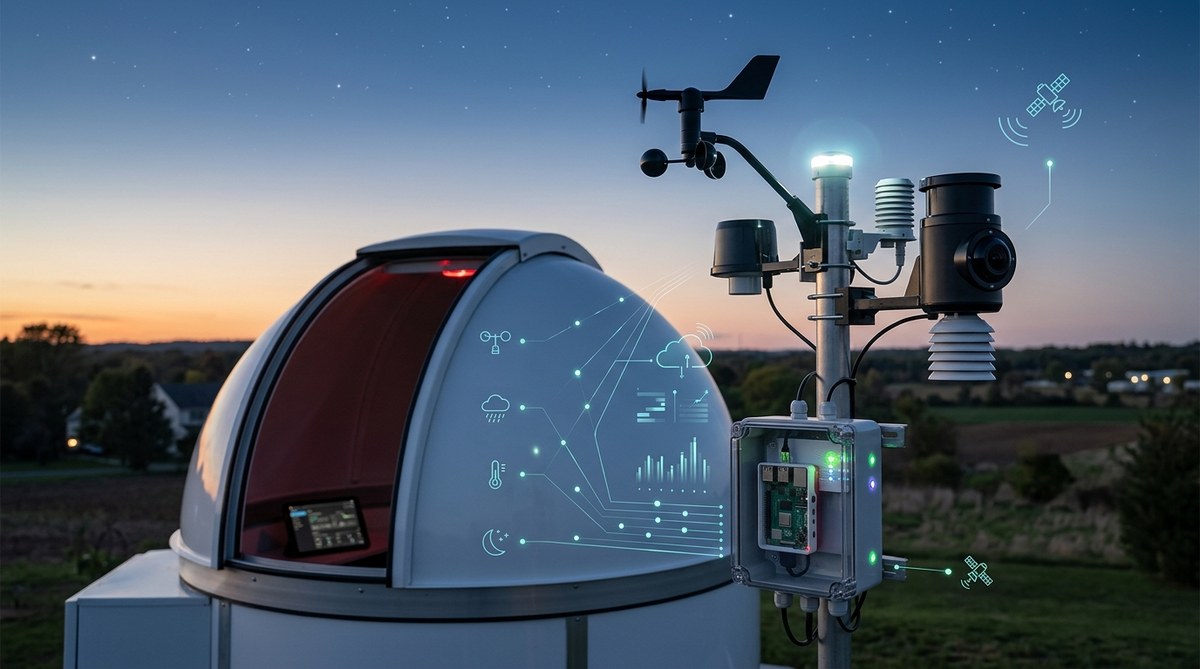
You step outside, look up at a perfectly clear sky, and rush to open the dome. By the time your gear is cooled and ready, a bank of clouds has rolled in from nowhere. We have all been there. Weather can change faster than any forecast predicts, and for observatory owners that means lost imaging time, frustrated planning, and sometimes damaged equipment. The solution is not to watch the sky harder. It is to let machines watch it for you. Automating your weather monitoring is one of the smartest investments you can make for your observatory in 2026. It protects your gear, saves your sanity, and helps you sleep while your system decides whether conditions are safe enough to open the roof.
Automating observatory weather monitoring in 2026 means combining affordable sensors, smart software rules, and remote alerts into a system that runs itself. The five methods covered here will help you protect昂贵 equipment, reduce manual checking, and capture more imaging time. You do not need a professional budget to build a reliable weather automation setup that works while you sleep.
Why Your Observatory Needs Automated Weather Monitoring
Your telescope is a sensitive instrument. A sudden rain shower, a spike in humidity, or a gust of wind can damage optics, electronics, and mechanical systems. Relying on your own eyes or a basic weather app is not enough when you are asleep, at work, or miles away from your site.
Automated weather monitoring gives you:
- Real time data directly from sensors at your location, not a forecast from twenty miles away.
- Trigger based actions like closing the roof, shutting down the mount, or powering off cameras when conditions turn bad.
- Remote alerts sent to your phone so you know what is happening even when you are not there.
- Historical records that help you understand your local microclimate and plan better.
The technology has matured a lot in the last few years. In 2026, you can build a fully automated weather system for a few hundred dollars using off the shelf parts and open source software. Let us look at five practical ways to make it happen.
1. Install a Dedicated Weather Station with Digital Output
The foundation of any automated system is accurate local data. A home weather station that connects directly to your computer or network is the starting point. Look for stations that output data over USB, Wi Fi, or Ethernet so your automation software can read it.
Sensors you need:
- Rain sensor or tipping bucket rain gauge to detect precipitation.
- Anemometer for wind speed and gusts.
- Temperature and humidity sensor to watch for dew point conditions.
- Barometric pressure sensor to help predict incoming weather fronts.
Many weather stations designed for home use work perfectly for observatories. The key is making sure the data stream is accessible to your automation scripts. Stations that use the Davis, Ambient Weather, or Ecowitt protocols are widely supported by observatory software.
2. Use a Dedicated Weather Controller Like the AAG CloudWatcher
If you want a purpose built device that does not require a full computer, consider a dedicated weather controller. The AAG CloudWatcher and similar devices combine a rain sensor, light sensor, and humidity detector in one unit. They connect directly to your observatory’s control system and can trigger a roof close or mount park without going through a PC.
These controllers are popular with remote observatory owners because they offer hardware level reliability. If the computer freezes, the controller still operates. They also output alerts via relays that can trigger motorized roof systems or send a signal to your automation hub.
3. Build a DIY Sensor Network with Arduino or Raspberry Pi
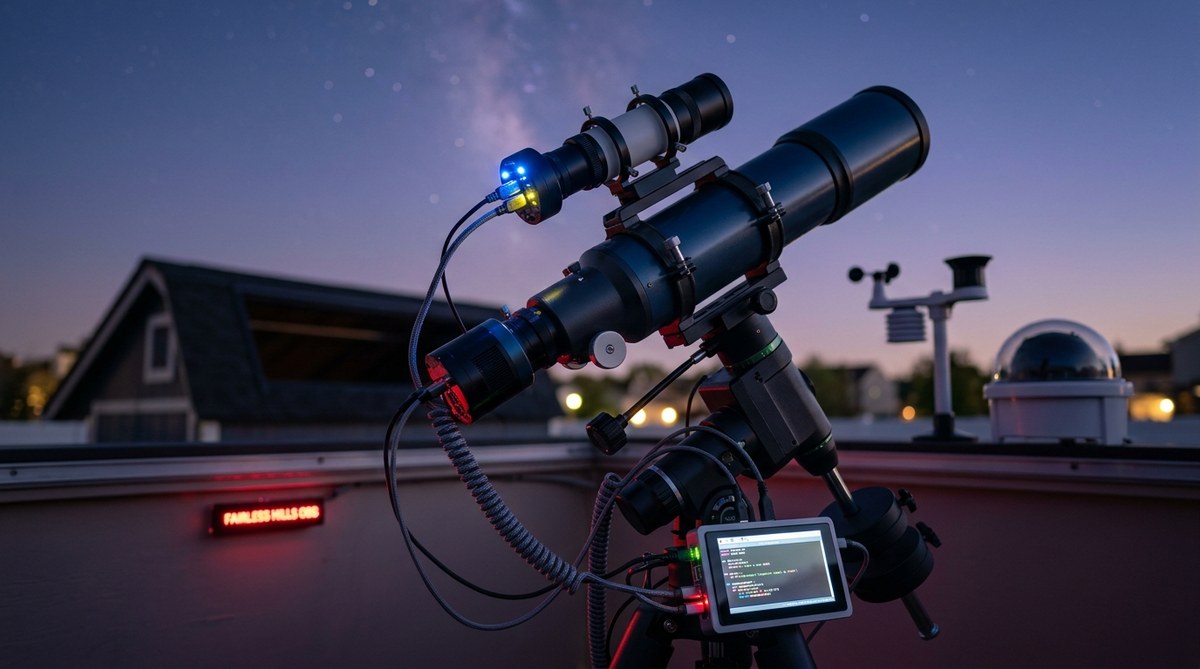
For the tinkerers among us, building your own sensor network is both satisfying and cost effective. A Raspberry Pi running Python scripts can read data from multiple sensors, log it to a database, and send alerts based on custom rules.
A simple setup might include:
- A DHT22 or BME280 sensor for temperature and humidity.
- A rain sensor module mounted on the roof edge.
- An anemometer connected to the Pi’s GPIO pins.
- A relay board to control roof motors or other safety systems.
You can expand this system over time. Add a wind vane, a cloud sensor, or even a webcam that captures sky conditions. The Pi can run 24/7 on low power and send you text alerts when anything crosses a threshold you set.
If you want to take this further, check out our guide on how to automate your backyard observatory with open source software. It walks through the software side of a Pi based system.
4. Integrate Weather Data into Observatory Control Software
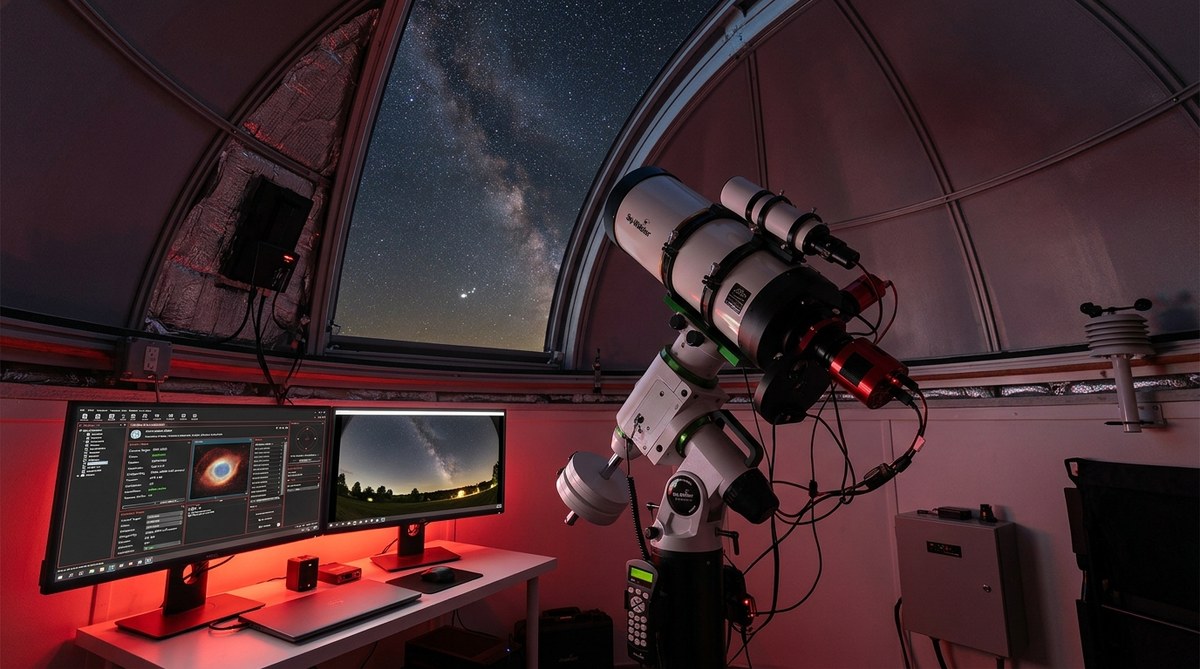
Your automation efforts become much more powerful when weather data talks directly to your observatory control software. Programs like TheSkyX, N.I.N.A., Astroberry, and Stellarmate all support weather safety rules.
The idea is simple:
- Your weather station or sensor hub sends data to the control software.
- The software checks conditions against your safety limits.
- If conditions exceed a limit, the software executes a park sequence and closes the roof.
You can set different thresholds for different situations. For example, you might allow imaging with wind up to 20 mph but trigger a shutdown at 25 mph. Or you might stop imaging when humidity hits 90% to prevent dew on optics.
This is where the real magic happens. The system watches while you sleep. If clouds roll in at 2 AM, it parks the mount, closes the dome, and sends you a notification. You never have to jump out of bed again.
5. Set Up Remote Alerts and Logging
Automation does not end with hardware and software. You need a way to know what your system is doing when you are away from the observatory. Remote alerts give you peace of mind and allow you to respond to problems before they become disasters.
Here are the alert methods that work best:
- Email and SMS sent through services like Twilio or IFTTT for critical events like rain detection or power loss.
- Push notifications from apps like Pushover or Telegram bot messages.
- Dashboard monitoring using Grafana or a simple web page that shows current conditions.
Logging is just as important. Every weather event, every roof close, every threshold crossed should be recorded. Over time, this data helps you understand patterns at your site. You might learn that humidity always spikes just before dawn, or that wind comes from a particular direction during certain seasons. This knowledge helps you plan better.
For a deeper look at keeping your equipment safe, our article on building a weatherproof enclosure for remote observatory equipment on a budget covers practical steps for physical protection.
Comparing Your Automation Options
To help you decide which approach fits your observatory best, here is a comparison of the main methods. Each has trade offs in cost, complexity, and reliability.
| Method | Typical Cost | Setup Difficulty | Reliability | Best For |
|---|---|---|---|---|
| Home weather station + software | $150 to $500 | Low to Medium | High | Most backyard observatories |
| Dedicated weather controller | $400 to $900 | Low | Very High | Remote or unattended sites |
| DIY Arduino / Raspberry Pi | $50 to $200 | High | Medium | Tinkerers and custom setups |
| All in one sensor hub | $200 to $600 | Low | High | Beginners wanting simplicity |
| Professional weather station | $800 to $2,000 | Medium | Very High | Permanent installations |
No single option is perfect for everyone. Your choice depends on your budget, your technical comfort level, and whether your observatory is attended or fully remote.
Common Mistakes When Automating Weather Monitoring
Even experienced observatory owners make mistakes when setting up weather automation. Here are the most common ones to watch for.
- Placing sensors in the wrong location. A rain sensor under an overhang will never trigger. An anemometer behind a building will read low. Mount sensors away from obstructions and at the same height as your equipment if possible.
- Setting thresholds too tight. If you close the roof every time humidity hits 80%, you will lose many clear nights. Learn your local conditions first, then set thresholds that balance safety with imaging time.
- Ignoring power failures. Your weather automation is useless if it loses power. Use a UPS or battery backup for critical sensors and controllers.
- Not testing the system. After you set everything up, simulate bad weather and watch how the system responds. Pour water on the rain sensor. Wave a fan at the anemometer. Make sure the roof actually closes.
- Failing to monitor the monitor. Automation systems can fail silently. Set up a health check that tells you if your weather hub stops reporting data.
For more on the scripts that keep everything running smoothly, take a look at our list of 7 essential automation scripts every remote observatory operator needs.
“The biggest lesson I learned after three years of remote observatory operation is that weather automation is not a set and forget system. You need to check logs weekly, clean sensors monthly, and update your thresholds seasonally. The payoff is enormous. I have not lost a single night to unexpected weather since I got my automation dialed in, and I sleep a lot better.” – Mark T., remote observatory owner in Oregon
How Weather Data Connects to Your Observation Goals
Weather monitoring does more than protect equipment. It directly improves the quality of your observations. Knowing exactly when conditions are stable allows you to plan for specific targets. If you are tracking a faint nebula or a planetary conjunction, you need steady air and clear skies.
For observers interested in celestial patterns and their meanings, accurate weather data is essential. You cannot document a lunar eclipse if clouds block the view. You cannot track the movement of a planet through the zodiac if wind shakes your mount. Automated weather monitoring ensures you are ready when the sky clears.
There is a deeper connection here. The same sky that holds the stars and planets also holds the weather. Ancient astronomers watched both. They noted how atmospheric conditions affected their observations and how celestial cycles seemed to correlate with seasonal weather. Modern observatory automation lets us continue that tradition with much better tools.
If you are curious about how celestial events shape traditions and how to observe them, our article on 5 celestial events that shaped astrological traditions and how to observe them today offers practical guidance.
Putting It All Together: Your Automation Roadmap
Building an automated weather system does not have to happen all at once. You can start small and expand over time. Here is a practical roadmap.
- Start with a basic weather station that gives you temperature, humidity, and rain data. Connect it to a simple script that sends you alerts.
- Add wind monitoring once you see how often wind interrupts your imaging.
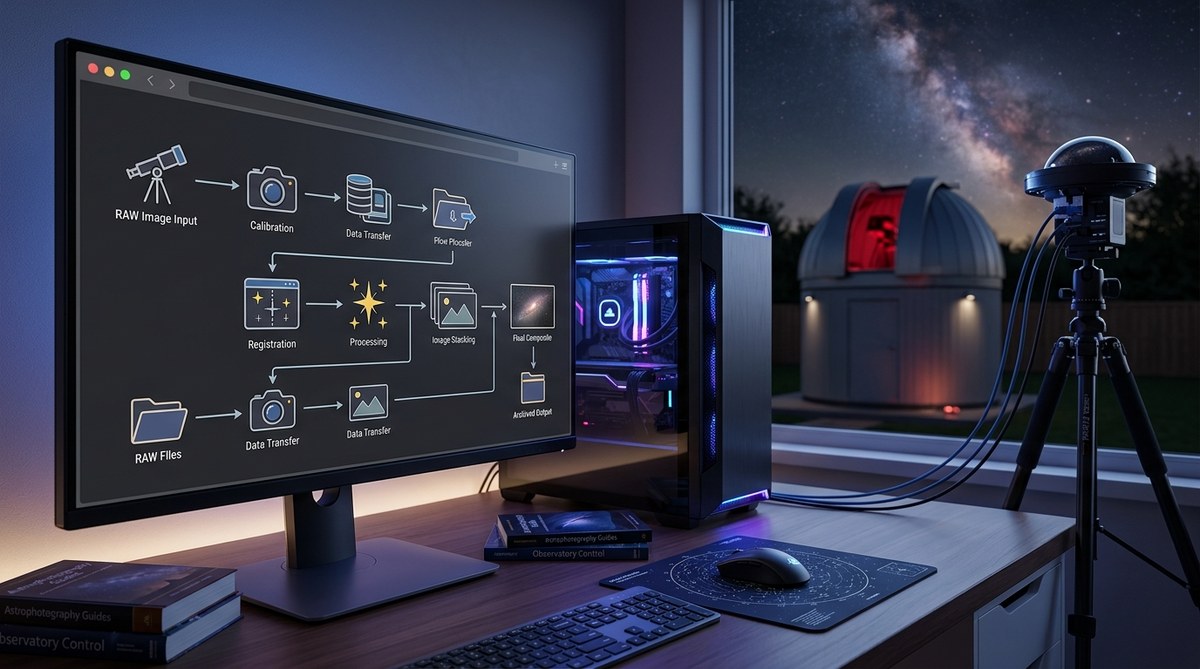
- Integrate with your observatory control software so weather data triggers automatic shutdowns.
- Add a dedicated weather controller if you want hardware level reliability for unattended operation.
- Set up a dashboard and logging to track conditions over months and seasons.
Each step adds a layer of protection and convenience. You do not need to do everything at once. Even a simple alert system that texts you when rain starts can save your gear.
For those running an unattended observatory, power management is a critical part of the puzzle. Our guide on 5 essential power management solutions for unattended remote observatories covers batteries, solar panels, and backup strategies.
Your Next Clear Night Starts with Better Data
Automating weather monitoring is one of those upgrades that pays for itself the first time it saves your equipment from a storm. It also frees you from constantly checking forecasts and looking nervously at the sky. You can focus on what matters: capturing great images and enjoying the night.
The tools are affordable, the software is mature, and the community is full of people who have already solved the problems you will face. Whether you buy a commercial weather station, build a DIY sensor network, or invest in a dedicated controller, the key is to start. Pick one method from the five we covered and set it up this month. Test it. Tweak it. Then add the next piece.
Your observatory deserves a weather system that works as hard as you do. Build it, trust it, and get back to looking at the stars.

Post Comment